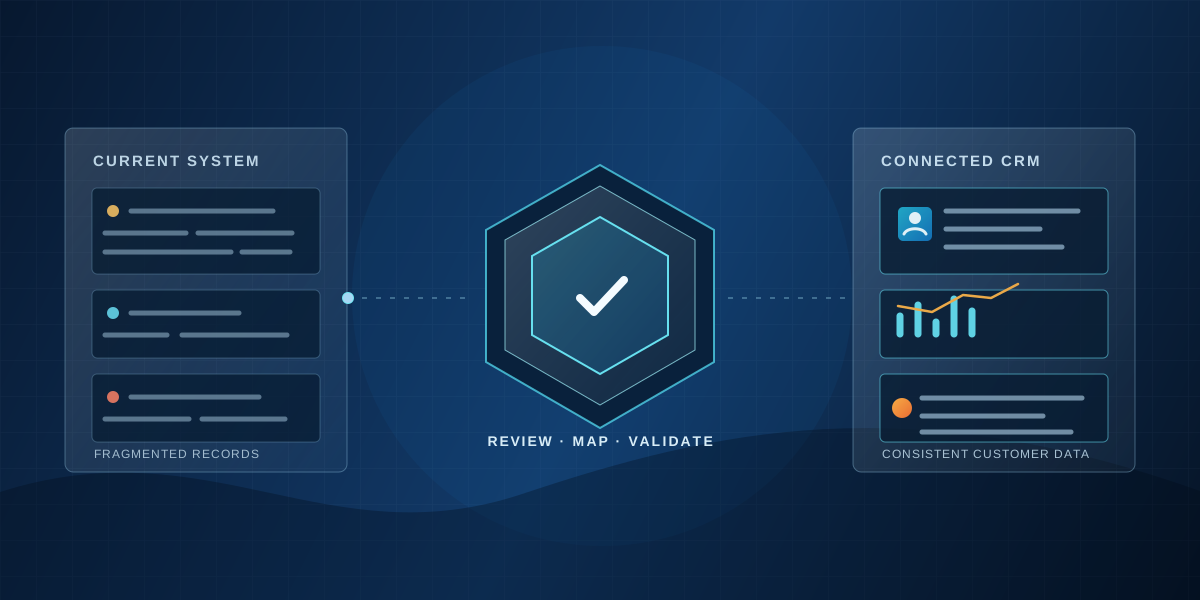
Microsoft’s new Dynamics 365 Activate capabilities may simplify CRM migration. But moving from one system to another is also an opportunity to resolve the business problems that made the old system difficult to use.
A company decides to replace its CRM.
The existing system has become expensive to maintain. Employees rely on spreadsheets because the configured workflows don’t reflect how they work. Reports are inconsistent, integrations are complicated, and leadership wants a clearer picture of customers and opportunities.
The organization selects a new platform and begins planning the migration.
Then comes the most important question:
Should we move everything into the new CRM exactly as it exists today?
For many businesses, the answer should be no.
On November 19, 2026, Microsoft announced that its Dynamics 365 Activate experience for migrating from Salesforce to Dynamics 365 is now generally available. The ERP migration experience is in private preview. Read Microsoft’s announcement.
The new capabilities use AI-assisted discovery, mapping, and migration to help organizations understand their existing systems and prepare for a transition.
The technology is significant. But the greater opportunity is to improve how the organization operates.
What Is Microsoft Dynamics 365 Activate?
Dynamics 365 Activate is Microsoft’s AI-assisted implementation and migration experience designed to help organizations move from existing business applications to Dynamics 365.
For Salesforce migrations, Microsoft says the generally available capabilities can analyze existing objects, fields, automation, custom code, integrations, and dependencies.
The platform helps implementation teams understand their current environment, map information into Microsoft Dataverse, and prepare records for migration.
It also supports trial migrations, incremental data transfers, and reconciliation checks.
These capabilities can reduce some of the repetitive technical work associated with CRM migration.
However, they don’t eliminate the need for business decisions.
Organizations must still determine which processes to retain, which customizations remain necessary, and what should change before the new system goes live.
Why CRM Migration Projects Become More Complicated Than Expected
A CRM contains more than customer records.
It also reflects years of organizational decisions.
Custom fields may represent outdated reporting requirements. Automation may compensate for processes that were never standardized. Security permissions may reflect former departments or employee responsibilities.
Moving these elements without reviewing them can preserve the very problems the organization hoped to eliminate.
Consider a manufacturer operating across multiple business units.
Each division may define opportunities differently, maintain separate customer information, or use different quotation processes.
A technical migration can transfer those records.
But it cannot independently decide whether the business should continue operating with inconsistent definitions.
That requires collaboration between leadership, employees, and implementation specialists.
What DKomplex Has Learned From Complex CRM Transitions
In a multi-division manufacturing engagement, DKomplex supported the standardization of CRM processes and the migration of customer information from separately operating systems into a shared Dynamics 365 environment.
The work required more than transferring records.
Teams needed to understand existing information structures, transform data into consistent formats, address duplicates, validate business rules, and coordinate onboarding across different operations.
The implementation also involved stakeholder participation, training, and continued support.
The documented work demonstrates successful migration and standardization activities, although it does not establish a measured reduction in migration costs or a verified improvement in employee adoption.
The broader lesson is important: A CRM migration succeeds technically when records move correctly, but it becomes valuable to the business when people can use those records within a coherent operating process.
Five Decisions to Make Before Migrating Your CRM
1. Decide What Business Problems the Migration Should Solve
Start with the reasons your current CRM isn’t meeting expectations.
Are employees struggling with duplicate data entry? Is reporting unreliable? Are customer relationships difficult to track? Do different departments use conflicting processes?
Document the problems and identify measurable outcomes.
Replacing software without addressing the underlying issues can lead to familiar frustrations in a new environment.
2. Identify Which Customizations Still Matter
Review existing fields, workflows, reports, and integrations.
Determine which capabilities support essential business requirements and which exist primarily because of historical decisions.
Microsoft’s Dynamics 365 Activate discovery capabilities can help inventory these elements.
But business stakeholders must decide what should be preserved, simplified, redesigned, or retired.
Avoid treating every customization as a requirement simply because it exists.
3. Establish Data Ownership Before Moving Records
Determine which system owns customer information, opportunities, orders, and financial transactions.
If CRM integrates with ERP or other operational applications, define how information will move between them.
Clarify duplicate-handling rules, account ownership, historical record requirements, and validation responsibilities.
Data quality problems that exist before migration rarely disappear automatically afterward.
4. Test Complete Business Processes
Don’t limit testing to whether customer records appear in the new CRM.
Test actual workflows.
Can a salesperson create an opportunity and request a quotation? Can another department review the request? Can management see the correct status? Do permissions prevent inappropriate access?
Include realistic exceptions, not only ideal scenarios.
A successful data import does not guarantee that the business can operate successfully.
5. Prepare Employees for the New Way of Working
CRM migration is also an organizational change.
Employees need to understand why processes are changing, how their responsibilities may differ, and what benefits the new system should provide.
At DKomplex, our IT+® approach emphasizes stakeholder interviews, iterative prototypes, user acceptance testing, role-based training, and launch support.
These practices help employees participate in shaping the solution rather than simply receiving instructions after implementation.
AI-Assisted Migration Still Requires Human Judgment
Microsoft’s announcement reflects a broader trend toward automating technical implementation activities.
AI can help inventory existing configurations, suggest mappings, and identify migration issues.
Those capabilities are useful.
But an AI-assisted migration tool should not be expected to determine an organization’s future operating model.
It cannot independently resolve disagreements between Sales and Finance about reporting definitions. It cannot decide which customer relationships deserve special attention. It cannot guarantee that employees will accept redesigned workflows.
Those decisions require organizational understanding.
The opportunity is to use automation to reduce repetitive technical effort while investing more attention in process improvement, stakeholder alignment, and adoption.
Don’t Just Replace the CRM. Improve the Business.
Moving from Salesforce to Microsoft Dynamics 365 can be an opportunity to establish more consistent customer information, simplify workflows, and improve coordination across departments.
Microsoft Dynamics 365 Activate may make parts of that journey more efficient.
But the most important work remains understanding what the organization needs to accomplish and involving the people responsible for making it happen.
Before beginning a CRM migration, ask:
If we could rebuild our customer management processes today, would we design them the same way?
If the answer is no, use the migration as an opportunity to make thoughtful improvements rather than recreating yesterday’s problems.
Plan Your CRM Migration With DKomplex
DKomplex helps organizations evaluate, implement, integrate, and improve CRM systems using Microsoft Dynamics 365, HubSpot, Power Platform, and collaborative problem-solving.
Our IT+® approach combines technical implementation with an understanding of the people and processes that determine whether technology delivers value.
Considering a Salesforce-to-Dynamics 365 migration or struggling with an existing CRM implementation?
Schedule a Free CRM Discovery Call with DKomplex to discuss your current environment, migration challenges, and practical next steps.